# Inviting Additional Staff Members To Your Control Panel
For additional staff such as Developers and Administrators, you can invite them to each server with their own permissions using the Subusers feature of Pterodactyl.
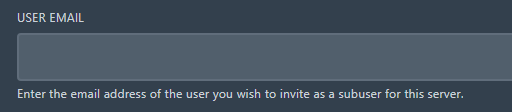
Click into any server and click the "Users" tab. Click "New User" and put in their email into the top box.
For permissions, you can tick which ones they should have access to. They all have descriptions of what each one does so it's pretty self explanatory.
Some clients have requested if it is possible to disallow downloading of files but still allow edits, SFTP and other features but unfortunately this isn't possible in the current builds of the panel. This is due to this very annoying permission and it's description on the end of it. -

At the bottom of the permissions page, there is "Invite User". This will send the user an email to make an account on the panel then access the servers you've given them access to. You do this for all the other servers on the panel.

**Admin Users**
Do not continue with this section unless you have a secondary owner, trusted developer or one of our team. They can simply update any startup parameters on the servers, delete servers in 5 seconds and more. Ask us if you are unsure before granting them full administrator.
In the top right corner, click the cog for the Admin side of the panel.

On the left, click "Users".

Click on a users email.

On the right, click the Administrator drop down and change it to "Yes". On the left, click "Update User". They are now admin users and can access all the servers and all the settings.
  